
Ask most agency creative directors where a project actually loses time, and it's rarely the production work itself. It's what happens after the work is done - when three or four concepts go out to the client and the response comes back as a reply-all email thread with the marketing director preferring one direction, the brand manager preferring another, and someone from legal chiming in about a headline nobody asked them to weigh in on. Or the concepts go into a Zoom review, and the decision quietly becomes "whichever direction the most senior person on the call reacted to first," which may or may not have anything to do with which creative would actually perform. Either way, what should have been a single round of feedback turns into two or three rounds of "can we see a version with a different headline," each one adding days to a timeline the agency doesn't fully control, on a project that's one of several running at the same time.
This is a genuinely different problem than "does this creative perform well," and it deserves a genuinely different solution than a live ad platform test. An agency serving a dozen concurrent client accounts doesn't need help deciding whether to trust CPA data from a small media test - it needs a fast, repeatable, defensible way to get a client to a decision, and ideally a way to catch weak concepts before they ever reach the client at all, so the agency isn't burning its own credibility presenting options its own team wasn't confident in to begin with.
This guide covers a three-stage method built around Opionate's Visual Tests that's designed to be reused across every client engagement an agency runs, not set up fresh each time: a quick internal or network screen before anything goes to the client, a structured Pairwise Comparison round that gets the client's own stakeholders to a clear, forced-choice winner instead of a scattered debate, and a diagnostic Stimulus Section pass that refines the approved direction - headline, CTA, imagery - before it moves into final production.
If "Pairwise Comparison" isn't a term you've run into before, it's worth a plain-language definition before going further, since most people on the client side of this process won't know it either. It just means showing two options at a time and asking for a straight choice between them - no rating scale, no "pick your favorite from the whole set," just "this one or that one," repeated until every option has been compared and a clear winner emerges. You'll also see the same idea called forced-choice testing, head-to-head testing, or a knockout test, depending on who's using the term - they're all describing the same mechanic this guide is built around. The name matters less than the shape of it: relative choices, made one pair at a time, add up to a much cleaner answer than asking a committee to judge everything at once.
Table of Contents
- Why Client Sign-Off Is the Real Bottleneck
- The Three-Stage Method: Screen, Decide, Refine
- Stage 0: Screen Internally Before the Client Ever Sees It
- Stage 1: Win Fast, Defensible Client Consensus
- Stage 2: Refine the Approved Direction
- Step-by-Step: Running This Across a Client Engagement
- Why This Works Especially Well at Agency Scale
- Best Practices for Agency Use
- Illustrative Walkthrough: One Campaign, One Round of Client Feedback
- FAQ
Why Client Sign-Off Is the Real Bottleneck
Every agency has some version of the same story. The creative work itself came together on schedule - two, maybe three strong directions, everyone on the team feels good about the shortlist. Then it goes to the client, and what should be a straightforward "which one do we run" question turns into something closer to a negotiation. Different stakeholders on the client side have different taste, different priorities, and often different unstated agendas - the brand manager is thinking about consistency with last quarter's campaign, the performance marketing lead is thinking about what's worked in ad accounts before, the CMO just has a personal reaction to the color. None of those perspectives are wrong exactly, but none of them add up to a clear decision on their own, and the agency ends up either picking a side (risky, especially with a client who's paying the bill) or absorbing another round of revisions to try to synthesize feedback that doesn't actually synthesize.
A few patterns make this specific bottleneck worse than it needs to be:
- Client feedback usually arrives unstructured and simultaneous-not-sequential. Everyone reacts to everything at once over email or in a shared doc, which means the agency has to manually untangle five people's opinions on three concepts into something resembling a decision, rather than getting a clean answer back.
- The most senior voice tends to win, whether or not it should. In a live review call, feedback has a way of converging on whoever speaks first or carries the most authority in the room - which tells you about the client's internal hierarchy, not about which creative would actually land with their audience.
- Every extra round of "can we see it with X changed" costs real calendar time, and agencies running several accounts at once don't have slack in the schedule to absorb repeated indecision on any single one of them.
- The agency is structurally stuck in the middle. When two client stakeholders disagree, the agency doesn't get to just pick - taking a side risks the relationship with whoever didn't get picked, so there's a real incentive to bring something more neutral than "our creative director's opinion" into the room.
The Three-Stage Method: Screen, Decide, Refine
The method this guide covers splits the work into three distinct moments, because each one is solving a different problem for the agency:
Stage 0 happens before the client ever sees anything - a fast internal or network round to screen out weak concepts and make sure only genuinely strong options make it to the client meeting.
Stage 1 is the client-facing moment - a Pairwise Comparison knockout sent to the client's own stakeholders (or, where appropriate, the client's actual target audience), producing one clear, forced-choice winner instead of a fragmented debate.
Stage 2 happens after the client has signed off on a direction - a Stimulus Section pass that digs into the specific elements of the approved concept (headline, CTA, core image) to catch anything worth fixing before it moves into final production.
All three run inside the same Opionate Visual Test and the same account the agency already has, which matters more than it might sound like it should: this is meant to be a process an agency runs the same way on every client engagement, not a custom research setup rebuilt from scratch each time a new account needs it.
Stage 0: Screen Internally Before the Client Ever Sees It
Before anything goes near a client, run the shortlist - or even the full set of rough directions, if the team hasn't narrowed yet - through a quick Pairwise Comparison knockout among the internal team, trusted freelancers, or the agency's own professional network. This isn't about replacing creative judgment; it's a fast gut-check that catches the two problems every agency has run into at least once: presenting a concept that reads fine internally but falls flat with anyone outside the project, and walking into a client meeting with more options than the agency actually has confidence in.
Because this round never leaves the building, it can move fast and loose - a same-day turnaround among a dozen colleagues is often enough to see a clear pattern, especially when the goal is simply narrowing six or eight rough directions down to the two or three genuinely worth a client's time, not producing a publishable result.
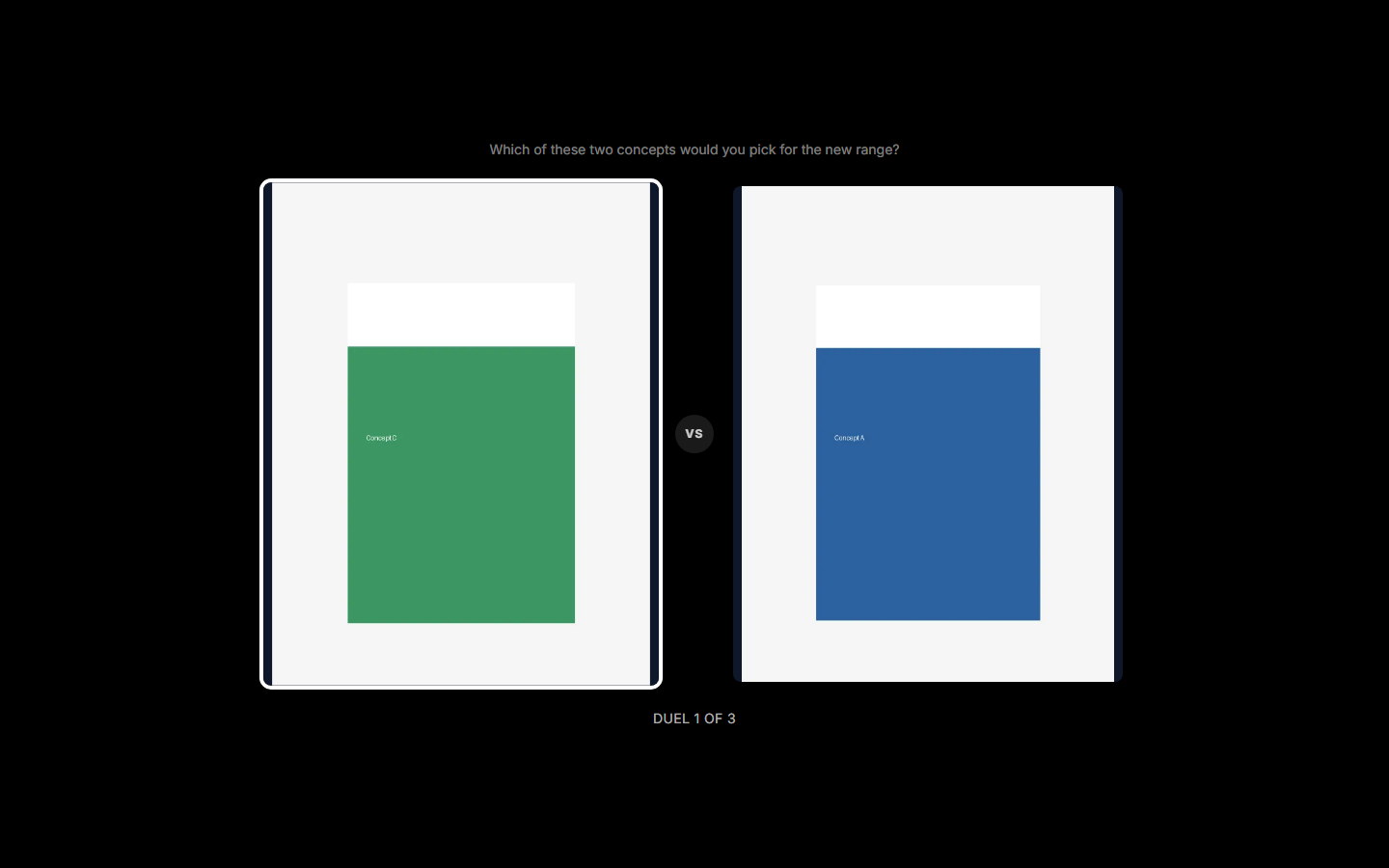
What Stage 1 actually looks like to a respondent - one head-to-head matchup at a time.
Stage 1: Win Fast, Defensible Client Consensus
This is the stage that replaces the reply-all thread. Instead of emailing three concepts to five client stakeholders and asking for "thoughts," build a Pairwise Comparison section with the finalists uploaded, and send the link directly to whoever needs to weigh in on the client side - or, when it's available and appropriate, to a slice of the client's own audience or customer list, which is an even stronger basis for a recommendation than internal stakeholder preference alone. Every respondent works through the same forced-choice duels independently; nobody sees how anyone else voted, which means the result isn't shaped by whoever happens to speak first or loudest, the exact dynamic that makes live review calls so unproductive. Set a duel prompt tied to what the creative actually needs to do - "which one would make you stop scrolling," "which one feels more on-brand for this campaign" - so the result maps to the client's actual decision criteria rather than a vague popularity contest.
The share link needs no login on the client's end, so getting a handful of named stakeholders to vote is as simple as sending them a URL - nobody on the client side needs to be onboarded into a new tool to participate. What comes back is a clean, forced-choice winner the agency can bring into the next conversation not as "our recommendation" but as "here's what your own team - or your own audience - actually preferred, head to head." That reframing matters more than it might seem: it moves the conversation from taste to evidence, and it gives the agency a genuinely neutral position to stand on when two client stakeholders were pulling in different directions.
Part of why this gets a fast response out of busy client stakeholders in the first place is that it doesn't feel like an assignment. The duel runs full-screen, one matchup at a time: tap the one you prefer, watch it advance to face a new challenger, and get a small celebratory payoff - confetti, a trophy beat - when the tournament lands on an overall winner. That's a meaningfully different ask than "please review the attached and reply with your thoughts by Friday." A marketing director who'd let a feedback email sit unread for two days will often finish a two-minute tournament between meetings precisely because it reads as a quick, faintly enjoyable break rather than another task added to the pile - which matters more for how fast you get an answer than almost any other detail in this stage.
If the shortlist spans more than one underlying creative direction with its own sub-variants - say, two campaign concepts, each explored in a couple of executions - Leagues mode groups each concept's executions together so they compete fairly within themselves before the strongest execution of each concept faces off against the other concept, rather than risking two strong executions of the same concept eliminating each other early in a flat knockout.
Stage 2: Refine the Approved Direction
Client sign-off on a direction isn't the end of the process - it's the point where the details start to matter more, because now real production budget is about to go into finishing it. Add a Stimulus Section for the approved concept (and any close runner-up worth a second look): upload the creative, draw highlight areas around the headline, the CTA, and the core image or product shot, and ask a targeted question under each - is the headline legible at a glance, does the CTA actually stand out, does the image communicate the offer without leaning on the copy.
Because these are ordinary questions inside the section, they support the same conditional display logic available anywhere in Opionate - a follow-up open-ended question can be set to appear only when a rating comes back weak, so a respondent who flags the CTA as hard to notice gets asked what would make it stand out, while everyone who had no complaint isn't asked to invent one. This stage produces exactly the kind of specific, per-element feedback a client committee's scattered opinions never quite deliver on their own, and it's genuinely useful to run with the same client stakeholders who just voted in Stage 1 - they've already engaged with the concepts once, and this round asks them to go one layer deeper on the direction they collectively chose.
When it's ready, the DOCX export reproduces each highlight redrawn on the creative next to its answers - which turns into a clean, presentable one-pager an account lead can drop straight into a client deck, rather than a data dump someone has to translate into a summary by hand.
Step-by-Step: Running This Across a Client Engagement
1. Screen internally first (Stage 0). Build a Visual Test with a Pairwise Comparison section, upload your rough directions or full shortlist, and run it past the internal team or trusted network before committing to what goes to the client.
2. Narrow to your real shortlist - typically two to four concepts genuinely worth the client's attention, based on the internal screen's result.
3. Build the client-facing round (Stage 1). Add or reuse a Pairwise Comparison section with the finalists, choose Randomization for a flat knockout or Leagues if your finalists split into sub-variants of a couple of underlying concepts, and write a duel prompt tied to the client's actual campaign goal.
4. Set the intro message plainly, since it becomes the label attached to the results - something the client will recognize as describing exactly what they were asked to do, such as "Help us choose the direction for your Q3 campaign - you'll compare two options at a time."
5. Send the link directly to the client's stakeholders, or to a slice of the client's own audience where that's available and appropriate for the account.
6. Once a direction is approved, add the diagnostic round (Stage 2). Build a Stimulus Section for the winning concept (and any close runner-up), highlight the headline, CTA, and core image, and ask a targeted question under each - considering display logic for follow-ups that should only appear when a rating comes back weak.
7. Export the DOCX for your client deck, and carry the approved, refined direction into final production - or, if the account also runs live platform tests as a next step, into that stage with a stronger, better-understood creative than an untested one would have been.
Why This Works Especially Well at Agency Scale
A single project team running this process once might reasonably ask whether it's worth the extra step over just presenting concepts and asking for feedback the usual way. The case gets much stronger once you're running it across a full client roster rather than a single account. An agency juggling a dozen concurrent engagements doesn't have room to reinvent a research process for each one - what it needs is a single, repeatable workflow that works the same way regardless of which client or which campaign it's applied to, which is exactly what running Stage 0 through Stage 2 inside the same Opionate account gives you: one tool, one process, reused project after project, rather than a new setup - or a new vendor relationship - every time.
It's also worth being direct about the economics at that scale. Pay-per-poll research tools charge per project, which adds up fast across a dozen or more client engagements a year - a cost that scales linearly with how much of this work an agency actually does. Running the same workflow inside an existing Opionate plan doesn't carry that same per-project tax, which matters more the more often an agency reaches for it. And because the respondent source is flexible - the agency's own internal team and network for Stage 0, the client's own stakeholders or audience for Stage 1 - there's no dependency on a third-party panel that may or may not resemble any given client's actual customers.
Best Practices for Agency Use
- Keep Stage 0 honest. The internal screen is only useful if the team treats it as a real filter, not a formality on the way to presenting whatever was already planned - resist the temptation to skip straight to Stage 1 with a full slate of options nobody internally is confident about.
- Send the client round directly to individual stakeholders, not a shared inbox. The value of a forced-choice test comes from independent judgment - looping in a shared alias where people can see each other's replies recreates the exact groupthink dynamic this method is meant to avoid.
- Match the duel prompt to the actual brief, not a generic "which do you like" - a prompt tied to the campaign's real goal produces a result that's easier to defend if a client stakeholder pushes back on it later.
- Frame the ask around how quick and low-effort it is, not around "feedback." Telling a busy client stakeholder "this takes about two minutes, just tap the one you like better each round" gets it opened and finished far faster than "please review and share your thoughts" - it's an honest description of the tournament format, and it lowers the barrier to actually starting.
- Keep creative framing and production quality consistent across the concepts you present, in every stage - an inconsistency reads as a quality signal and biases results toward whichever version simply looks more finished.
- Use the DOCX export as your client deliverable, not just an internal reference - a one-pager showing the winning concept with its diagnostic highlights reproduced is a stronger artifact to leave a client meeting with than a verbal summary.
- Don't let this replace creative point of view entirely. The method is built to resolve indecision and remove unproductive politics from a decision, not to outsource every judgment call - an agency that never asserts a recommendation of its own risks looking like it has nothing to bring to the table beyond running polls.
Illustrative Walkthrough: One Campaign, One Round of Client Feedback
Picture a mid-sized agency handling a Q3 paid social campaign for a retail client, with six rough creative directions from the team and a client stakeholder group that historically takes two or three rounds of email back-and-forth to reach a decision on anything.
The creative team runs all six directions through a Stage 0 Pairwise Comparison knockout among the agency's own staff and a handful of trusted freelancers, narrowing to the three strongest concepts within a day. Those three go into a Stage 1 Pairwise Comparison section, sent directly to the client's five-person marketing committee with the duel prompt "Which one would make you stop scrolling in your feed?" - tied to the campaign's actual placement and goal. Each stakeholder works through the duels independently, with nobody seeing how anyone else voted.
The result comes back with a clear plurality for one direction - not the concept the account lead had privately expected to win, and not the one any single stakeholder had championed loudest in past meetings, which turns out to make it easier for the whole committee to accept rather than harder: nobody has to concede to a colleague's personal favorite. The agency runs a Stage 2 Stimulus Section on the winning direction, highlighting the headline, CTA, and hero image, and the diagnostic answers flag that the CTA button doesn't stand out clearly against the background - a fixable production note, caught before final files go out rather than after the client has already approved a version that needed a rushed revision. The account team exports the DOCX, complete with the CTA highlight reproduced next to the note about it, and brings it into a single follow-up call that closes out sign-off in one round instead of the usual two or three.
FAQ: Ad Creative Testing for Agencies
What does "Pairwise Comparison" actually mean?
Showing two options at a time and asking for a straight pick between them, then repeating that across every pair until a clear winner emerges - no rating scale involved. It's also called forced-choice testing, head-to-head testing, or a knockout test, depending on who you ask; all the same underlying method.
Does this replace our creative team's judgment?
No - it's built to resolve indecision and remove unproductive internal politics from a decision, not to outsource creative direction entirely. Most agencies use it to narrow options and settle close calls, while still bringing a point of view into the room rather than simply running a poll and reporting the result.
Can client stakeholders see each other's votes?
No - every respondent works through the Pairwise Comparison knockout independently, and nobody sees how anyone else voted. That's what keeps the result from being shaped by whoever speaks first or has the most seniority, which is precisely the dynamic a live review call tends to reproduce.
Do client stakeholders need to create an account to participate?
No - the share link works like any Opionate survey link, with no login required, so getting a handful of named client stakeholders to vote is as simple as sending them a URL.
Will busy client stakeholders actually bother completing this?
Generally yes, more reliably than a feedback email - the duel format is closer to a quick, game-like task than a review assignment: tap a favorite, watch it advance, get a small celebratory moment when a winner's decided. A two-minute tournament that reads as an easy break tends to get finished a lot faster than an email that reads as homework, which is exactly the gap this stage is meant to close.
Can we test with the client's actual customers instead of (or alongside) internal stakeholders?
Yes, where the account and access allow for it - sending the client-facing round to a slice of the client's own audience is often an even stronger basis for a recommendation than internal stakeholder preference alone.
How many creative concepts can we run through one knockout?
Up to 12 per Pairwise Comparison section, which comfortably covers even a large first-round set before narrowing.
Is this worth the extra step for a single project, or only at agency scale?
It's genuinely useful even on a single account, but the case gets much stronger the more client engagements it's reused across - one repeatable process instead of a bespoke research setup (and a bespoke cost) for every project.
Can we use this for pitch or new-business creative, not just active client work?
Yes - the same Stage 0 internal-screen pattern works well for narrowing pitch concepts before they ever reach a prospective client, for exactly the same reason it works mid-engagement: it catches weak options before they cost the agency credibility in the room.
Turn Client Feedback Into One Round, Not Three
A reply-all thread gets you five opinions and no decision. A structured knockout gets your client to a clear, defensible winner - and a diagnostic pass tells you exactly what to refine before final production.
Start a Visual Test on Opionate and run your next client review through it - the same process, reused across every account, at no extra cost per project.