
Open-ended questions produce the richest feedback a survey ever collects, and also the hardest to make sense of once volume climbs. Fifty free-text answers are easy enough to read start to finish. Five hundred simply aren't, no matter how much time you set aside for it - and skimming instead of reading properly is how a genuinely useful piece of feedback quietly gets missed. Text Analytics exists for that specific gap: turning a pile of open-ended responses into a structured set of categories you can actually count, filter, and report on, rather than a wall of text nobody has time to read in full.
Picking What to Classify
You start by choosing a survey and one of its open-ended questions - the responses to that question are what you'll be working with. From there, you build what's called a classification: a named set of categories that every response eventually gets sorted into, so instead of "200 open-ended answers" you end up with something like "38% mentioned pricing, 24% mentioned onboarding, 19% mentioned missing features," and so on.
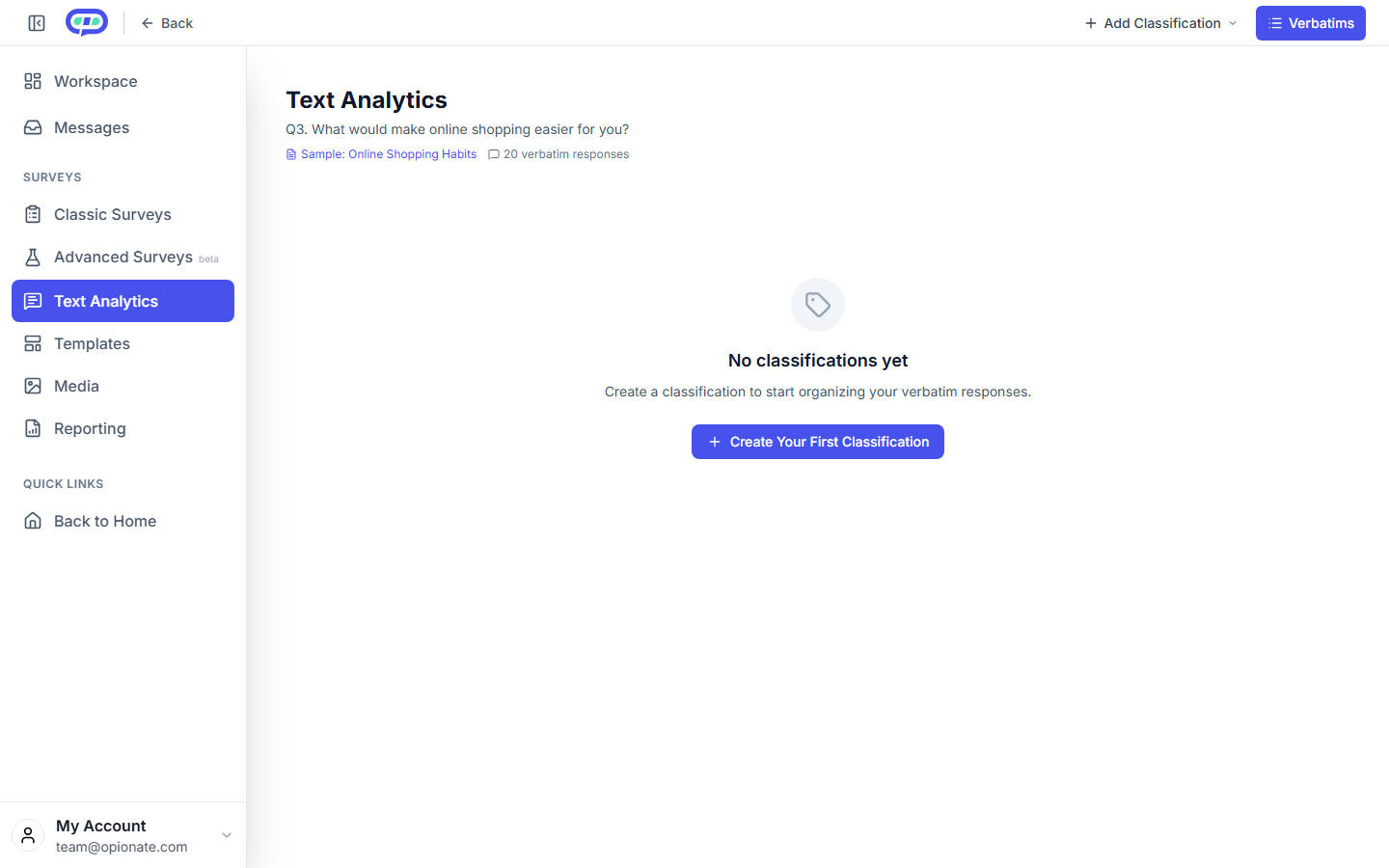
A question with 20 verbatim responses and no classification yet. The survey and responses are sample content.
Two Ways to Build a Classification
You can define your categories entirely yourself - name the classification, write out each category with a short definition of what belongs in it, and decide whether a single response is allowed to fall into more than one category or has to be sorted into exactly one. This makes sense when you already know roughly what themes you're expecting to see, or when you want categories that match something specific - a set of internal reporting labels, for instance.
Or you can let AI propose a starting set of categories based on your actual responses, after telling it roughly what you're looking for and how broad or specific you want the resulting categories to be. This is the faster path when you're not sure yet what themes are actually in the data, and it gives you something concrete to react to and adjust rather than a blank page. Either way, you get a chance to review the category list - rename anything, tighten a definition, add a category that's missing, remove one that isn't pulling its weight - before anything actually gets classified.
Once the categories look right, running the classification sorts every response into one of them. This step is AI-assisted and draws on your credit balance the same way other AI-powered actions in Opionate do - check your plan's billing page for current rates if you're budgeting for a larger classification project.
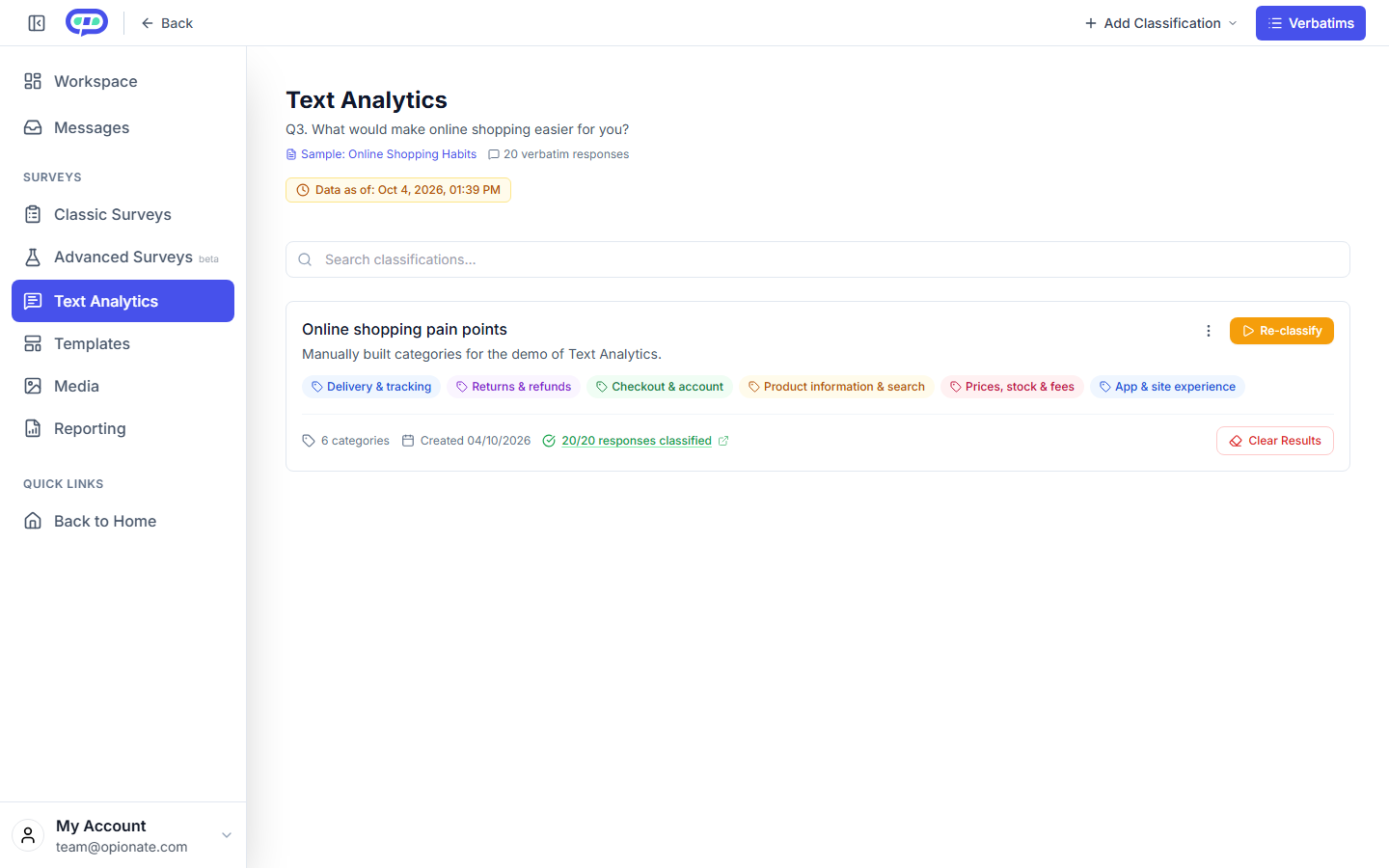
A classification built by hand for this demo: the categories and their assignments are sample content, not AI output.
Reviewing and Correcting the Results
Classification isn't meant to be a black box you trust blindly. The results open into a response viewer where every answer shows the category it was sorted into, and you can manually reassign anything that landed in the wrong place - useful both for fixing individual mistakes and for building confidence in the categories before you report on them to anyone else. If you want to go a layer deeper, you can also build a second classification scoped to just the responses inside one category from an earlier pass - classifying only the negative comments further, for instance, without touching everything else.
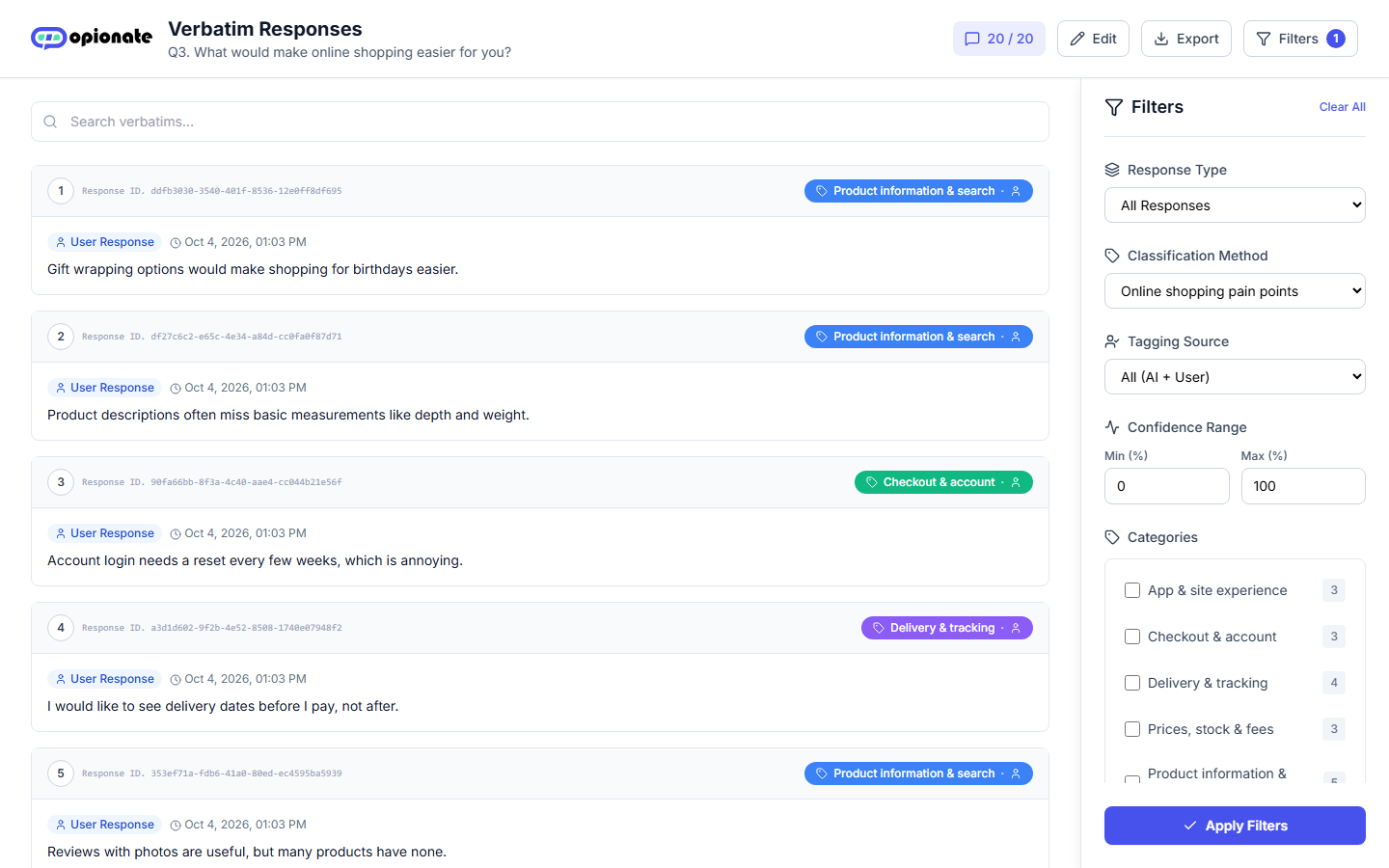
Each response with its category. The person icon marks a category someone assigned by hand, and the Tagging Source filter separates AI and manual tags. The responses are sample content.
Getting Your Work Out
Once you're happy with a classification, export the classified responses to CSV for further analysis in whatever tool you'd normally use, or duplicate the classification if you want to try a meaningfully different category scheme on the same set of responses without losing your first attempt.
A Practical Limit Worth Knowing
Letting AI propose a starting category set needs a reasonable amount of data to work from - a question with only a handful of responses won't have enough signal for that step to produce something useful, so it's worth waiting until you have at least a modest number of responses in before reaching for the AI-assisted path. Defining categories yourself doesn't have that same requirement, since you're not asking anything to infer themes from a small sample.
FAQ
Do I have to use AI to build a classification?
No - defining your own categories from scratch works the same way and doesn't require any minimum number of responses. AI-assisted category suggestions are there for when you don't already know what themes to expect.
Can I fix a response that got sorted into the wrong category?
Yes - the results view lets you manually reassign any individual response after classification runs.
Can I classify the same responses more than one way?
Yes - duplicate a classification to try a different scheme, or build a second classification scoped to just a subset of an earlier one.
Does this cost anything?
Defining and editing categories yourself is free. Running AI-assisted steps - proposing categories or classifying responses - draws on your credit balance; check Billing for current rates.
What do I get out at the end?
A CSV export of every response with its assigned category, ready for further analysis or reporting.
Ready to try it? Open Text Analytics on Opionate and pick a survey with open-ended responses to get started.